Pagination
Pagination improves user experience by dividing large amounts of content into smaller, more digestible chunks. It essentially acts as a page break which helps reduce cognitive load by allowing users to see a limited number of items or content on a page at one time.
There are many types of pagination. Figuring out the right technique depends on the user and their goals as well as the content itself.
1. Numbered pagination
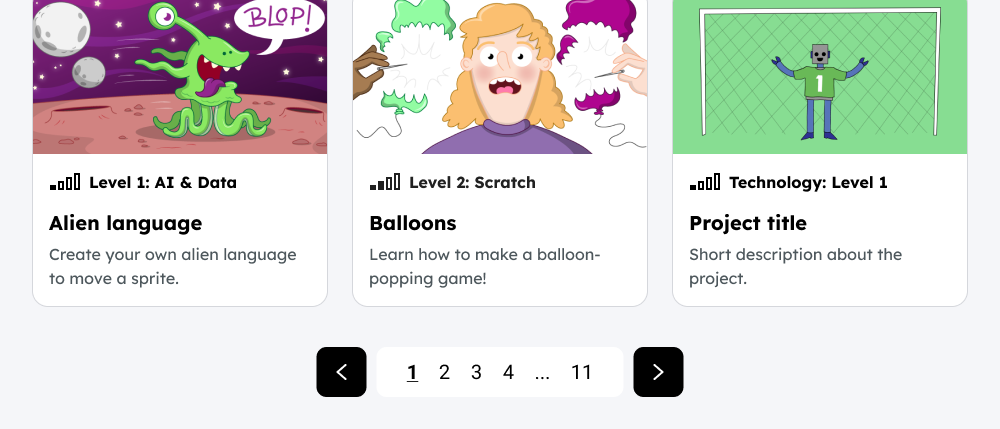
This is when the content is split across multiple numbered pages. Users can navigate through the pages using a ‘next’ or ‘back’ option. There is sometimes the flexibility for them to choose where in the content they want to go, for example they could jump ahead to page 3.
When should you use it
- For long lists, search results, or large data tables
- If the user’s goal is to find specific content
- When showing content that can be sorted (e.g., by price, date).
- When it would take too long to load the full content on one page
Pros
- You can help to set the user’s expectations about the amount of content there is, and their current position within it by displaying page numbers
- It provides the user control, allowing them to choose where in the content they want to go
- By not loading all content at once it can help with site performance
Cons
- Viewing more content requires a new page load which could slow down the content loading
- More complex controls for users to navigate through results
- Having lots of pages could discourage users from browsing further
Best practices for implementation
- Provide clear "Previous" and "Next" links
- Clearly highlight the current page number
- On mobile, simplify controls and show fewer page numbers
- Don’t show "Previous" on the first page and "Next" on the last page
- If there are a lot of pages, consider allowing users to jump to specific pages via an input field
- Do not show pagination if there's only one page of content.
- Make the pagination options easy to find, ideally at the top and bottom of the content
- Give each page a unique URL
2. Load more buttons
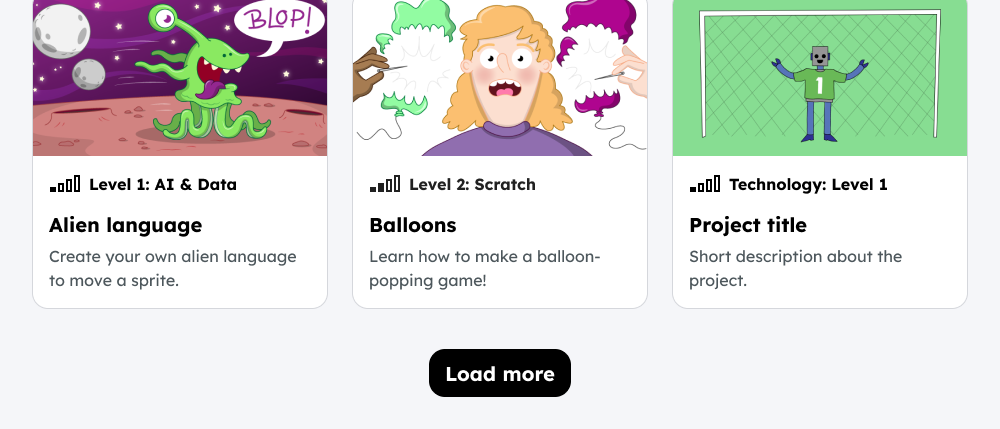
This technique allows users to choose to view additional content on the same page, rather than jumping to a new one. When clicked, it adds more items to the existing list which creates a smoother and more continuous browsing experience.
When should you use it
- When a user's primary goal is exploration, rather than finding a specific item. For example in social media feeds, blogs, or galleries.
- To encourage greater content exploration. Users tend to browse significantly more content with "Load More" buttons
Pros
- It can create a more seamless browsing experience by reducing interruptions to the user's flow
- It gives the user control of when to see more content without navigating away from the page
- It is well-suited for mobile devices, as it avoids the issue of small pagination links which could be harder to click
- It avoids the need for full page reloads
Cons
- It’s not suitable for large amounts of content as it can lead to performance issues due to all the results being on one page
Best practices for implementation
- Display the number of the results on the page to help set user expectations around how much content they may need to load. For - example ‘showing 30 of 100’
- Consider displaying the amount of items viewed before loading more
3. Sequential pagination (previous/next only)
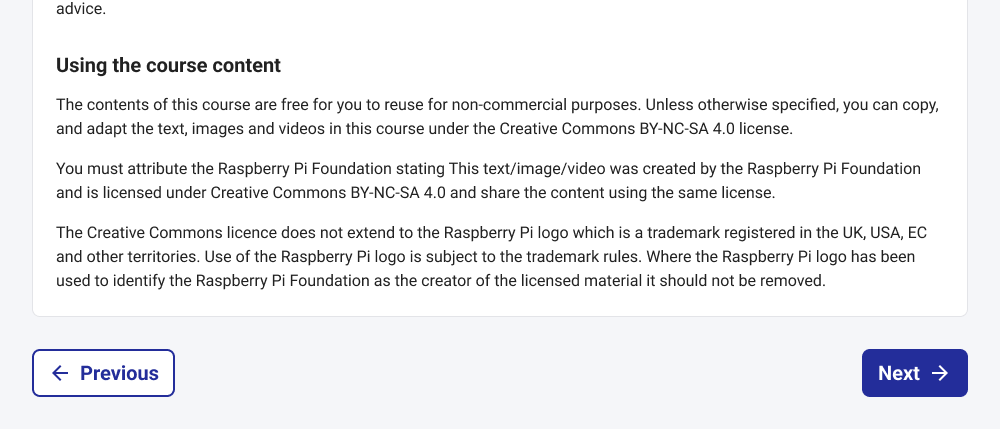
The sequential approach restricts controls to ‘previous’ and ‘next’ to guide the user through content that has an order.
When you should use it
- For content that should be viewed in a set order, eg book chapters, tutorials, surveys.
Pros:
- Simple UX
- Accessible: works well with keyboard navigation and allows for large touch targets on mobile
Cons:
- Users can’t skip ahead without additional components
- Completion tracking can be unclear, though it can be supplemented with a progress indicator
4. Infinite scroll
This is where content is loaded automatically when the user scrolls to the bottom of the page.
We should avoid using this technique as it causes problems for keyboard users and if the load time isn’t fast enough it is a frustrating experience which could be an issue in areas with low internet connection.
Other considerations
We should consider our preferred best practice for:
- Performance: How do we performantly handle pagination on the back end? What is our limit on request size?
- Background loading: Should we load additional results in the background?
- Linking to results: Do we want to optionally allow linking to paginated results? Eg. ?p=5
- Changing lists: If so, how do we handle results for lists that change? (link to page, or link to ID of a specific item, etc)
- Browser history: Do we write this to browser history?